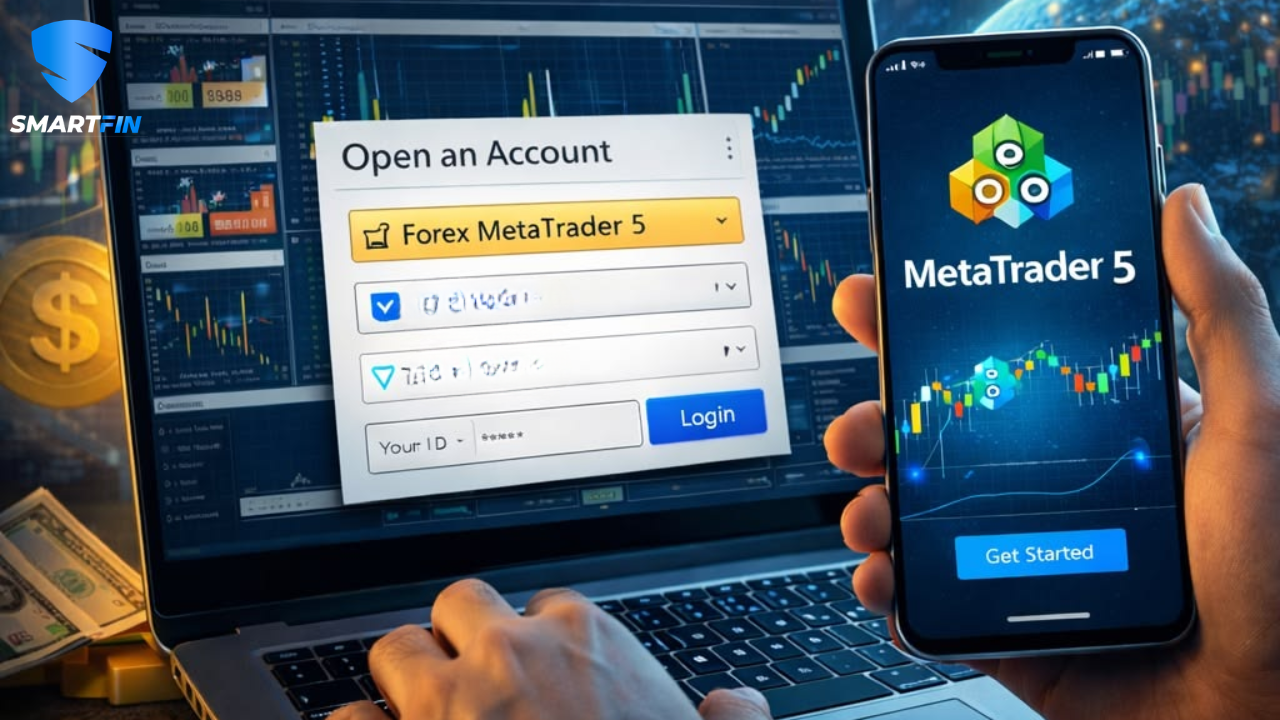
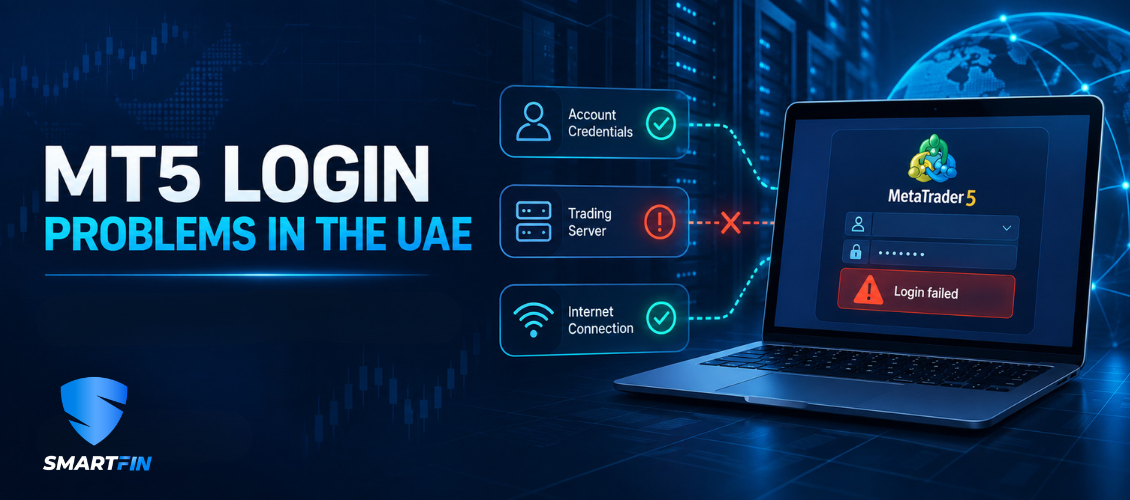
The first step is to confirm the login details and server name provided through the official account-opening channel.
MetaTrader 5 is the software used to access the account, but the account itself is created and administered by the financial institution behind it. This is why entering a valid-looking account number is not enough. The account number, password and server must all belong to the same provider and account environment.
Check the MT5 server name
One of the most frequent problems occurs when the correct account number is entered with the wrong server. Providers may have separate servers for demo accounts, live accounts or different legal entities. Even a small difference in the server name can prevent login.
Open the account-login window and search for the exact server listed in your official welcome email or client portal. Avoid selecting a similarly named server unless it matches the supplied details exactly.
Confirm the password type
MT5 accounts may use more than one password. The main trading password normally permits account access and order placement, while an investor password may provide read-only access. Using the wrong password can create the impression that the platform is malfunctioning.
Do not share either password with a salesperson, third party or anyone offering to trade on your behalf. If a password needs to be reset, use the provider’s official client portal or verified support channel.
Understand “invalid account” and “no connection”
An “invalid account” message can indicate an incorrect login number, password or server. It may also appear if an account has been archived, disabled or moved to another server.
A “no connection” message usually points to an internet, server or application issue. Check whether other websites and applications are working, restart MT5 and confirm that the app is updated. If the problem remains, contact the provider using verified contact details.
The forex market being closed does not normally prevent account login. You may still be able to access the platform and review account information even when an instrument is unavailable for trading.
New account not appearing on MT5
Completing an online application does not always mean that a live account has already been approved. Identity, address, eligibility and source-of-funds checks may need to be completed first. Account approval times vary, and additional information may be requested.
Read the complete guide to opening a forex trading account in Dubai before assuming that the MT5 application itself is causing the delay.
MT5 software versus the account provider
MetaTrader 5 provides charts, market information and order-management tools. It does not regulate the company providing the account, determine the account’s legal protections or guarantee execution quality.
Before using any login credentials, verify the legal entity, applicable terms, available products and regulatory status of the institution behind the account. The SmartFIN guide to MT5 broker access in Dubai explains what UAE users should compare beyond the platform name.
If login details appear incorrect, do not repeatedly follow links received from unverified messaging accounts. Return to the official website, client portal or verified support channel.
Frequently asked questions
-Why does MT5 say “invalid account”?
The account number, password or server may be incorrect. The account may also be inactive or assigned to a different server.
-Can I use the same MT5 login on mobile and desktop?
Usually, yes, provided the correct MT5 application, account number, password and server are used.
-Why can I log in but not place an order?
Possible reasons include read-only access, insufficient margin, a closed market, an unavailable instrument or an account restriction.
-Is an MT5 login proof that a broker is regulated?
No. MT5 is trading software. The financial institution and its permissions must be verified separately.
Forex and CFD trading involves substantial risk. Platform access does not remove market, leverage, execution or counterparty risk.