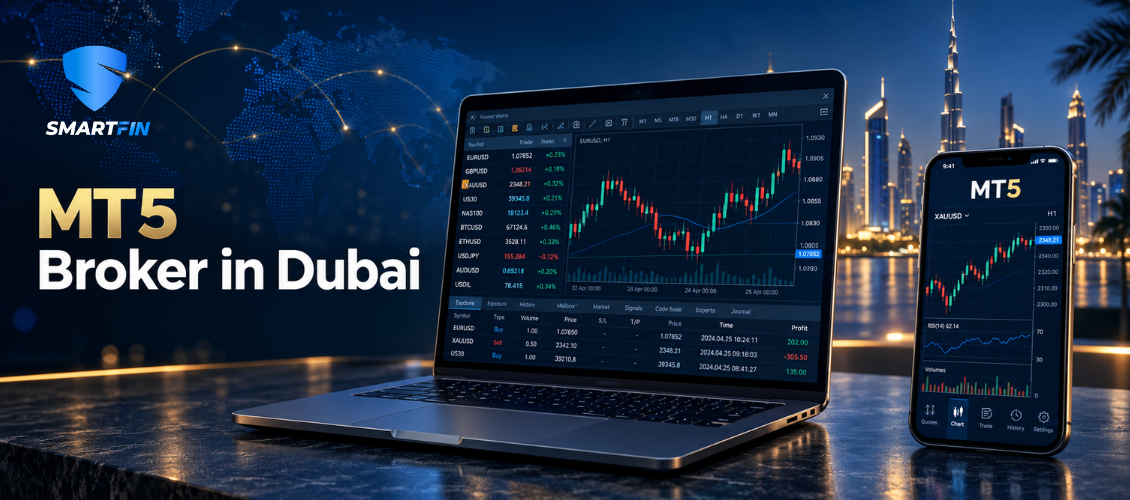
Analyze markets, manage orders and monitor account exposure across desktop, web and mobile—within the instruments and trading conditions made available by the provider connected to your account.
Request MT5 Access
Explore Available Markets
MetaTrader 5 Platform | Multi-Asset Market Access | Desktop, Web and Mobile | Dubai-Based Assistance
One Platform for Analysis, Orders and Account Control
MetaTrader 5, commonly known as MT5, is a multi-asset trading platform developed for market analysis, order placement and position management. It brings charts, technical indicators, trading tools and account information into one interface, allowing traders to follow different markets without moving between several disconnected applications.
Through SmartFIN, a forex broker in Dubai, eligible clients can request access to an MT5 trading environment connected to the provider stated in their account documentation. Available instruments, pricing, leverage, margin requirements and execution conditions depend on that provider, the account type and the client’s jurisdiction.
This distinction matters. MT5 is the software through which a trader views prices and submits instructions; it is not the company that holds the account, determines the spread or executes the order.
- Market access
Follow available forex pairs, gold, silver, energy instruments, international indices and selected global stocks from one platform.
- Professional charting
Study price movement using multiple chart types, timeframes, indicators and drawing tools. Templates and customized chart layouts can help traders organize their analysis more efficiently.
- Flexible order management
Use market orders and supported pending-order types, including Buy Limit, Sell Limit, Buy Stop and Sell Stop. Traders can also add stop-loss and take-profit instructions where permitted.
- Position and account monitoring
View open positions, pending orders, account balance, equity, used margin, free margin and account history from the same trading environment.
- Trading across supported devices
MT5 can be accessed through supported desktop, web and mobile applications. Account activity can therefore be monitored from different devices, subject to internet access, system availability and security controls.
- Automation functionality
MT5 supports Expert Advisors and strategy-testing functions. The availability and permitted use of automated strategies depend on the applicable account conditions, instrument rules and provider policies. Automation does not guarantee that a trading strategy will produce a profit or execute without interruption.
Start Your MT5 Registration
Explore the SmartFIN MT5 Knowledge Centre
The Platform Is Only One Part of the Trading Experience
When people search for an MT5 broker in Dubai, it is easy to assume that every company offering MetaTrader 5 provides an identical trading experience. The interface may look familiar, but the conditions behind it can differ substantially.
MT5 provides the tools used to analyze prices, send orders and monitor positions. The connected financial-services provider determines which symbols appear, what contract specifications apply, how margin is calculated, which leverage limits are available and how orders are processed.
| Charts and timeframes | Available markets and symbols |
| Technical indicators | Bid and ask prices |
| Drawing and analysis tools | Spreads and commissions |
| Market and pending-order tools | Leverage and margin requirements |
| Stop-loss and take-profit functionality | Swap and overnight-financing conditions |
| Position and account displays | Contract sizes and trading hours |
| Expert Advisor functionality | Execution policy and order restrictions |
| Desktop, web and mobile interfaces | Deposit and withdrawal arrangements |
This is why a familiar platform should not be the only factor used when selecting an MT5 provider. Traders should review the account agreement, legal entity, regulatory jurisdiction, product specifications, execution policy and complete cost structure before depositing funds.
Understand the price displayed on MT5
MT5 displays the bid and ask prices received through the connected trading environment. The difference between these prices is the spread.
A buy position generally opens using the Ask price, while a sell position generally opens using the Bid price. This is why a newly opened position may immediately display a negative value even when the chart appears not to have moved—the spread is already part of the transaction.
Spreads may vary according to the instrument, liquidity and wider market conditions. They can widen during major economic announcements, market openings, rollover periods or periods of reduced liquidity.
Understand what happens when an order is placed
Pressing Buy or Sell sends an order request containing information such as the instrument, direction and position size. The system then checks the request against the account’s available margin and applicable trading conditions.
A market order requests execution at the best available price under the relevant conditions. It does not necessarily guarantee the price displayed at the exact moment the button was pressed. If the market moves before the request is completed, the final execution price may differ. This is commonly called slippage and can be positive, negative or zero.
Pending orders operate differently. They remain inactive until the relevant price condition is reached. Once triggered, the resulting order must still be completed using available prices and liquidity.
[See What Happens After You Click Buy or Sell on MT5]
Understand margin before using leverage
MT5 displays balance, equity, used margin, free margin and margin level. These figures help a trader monitor account exposure, but they do not decide whether a position is appropriate.
Margin represents the funds required to support a leveraged position under the applicable account conditions. Free margin broadly represents the amount remaining relative to current equity and used margin.
Leverage can increase the market exposure controlled by a given amount of margin. It does not improve the probability that a market forecast will be correct. Both profits and losses are determined by the full position exposure, making position size and risk limits important.
Traders should review the applicable margin-call and stop-out conditions because these settings can differ between providers, account types and instruments.
Understand the total trading cost
A low minimum spread does not necessarily describe the total cost of trading. Depending on the account and instrument, costs can include:
- The bid–ask spread
- A separate trading commission
- Swap or overnight-financing charges
- Currency-conversion costs
- Differences caused by market execution and slippage
- Other account, payment or service charges disclosed in the terms
Review typical conditions for the markets and sessions you intend to trade. A cost that appears small on an individual transaction may become more significant for a strategy that opens positions frequently.
Requesting MT5 Access Through SmartFIN
SmartFIN helps eligible clients understand the registration process and request access to MetaTrader 5 through the applicable provider.
1. Submit your registration
Provide accurate personal and contact information through SmartFIN’s secure registration process.
2. Complete identity verification
Submit the identification, proof of address, and other information required for eligibility and compliance checks. Additional documents may be requested depending on residency and account circumstances.
3. Review the account provider and terms
Before proceeding, read the client agreement carefully. Confirm the full legal name of the company responsible for the trading account, its regulatory jurisdiction, and the conditions applying to your account.
4. Receive your platform credentials
After approval, the relevant MT5 server details and account credentials will be provided through the authorized onboarding channel. Never share your trading password or verification codes with another person.
5. Install or open MT5
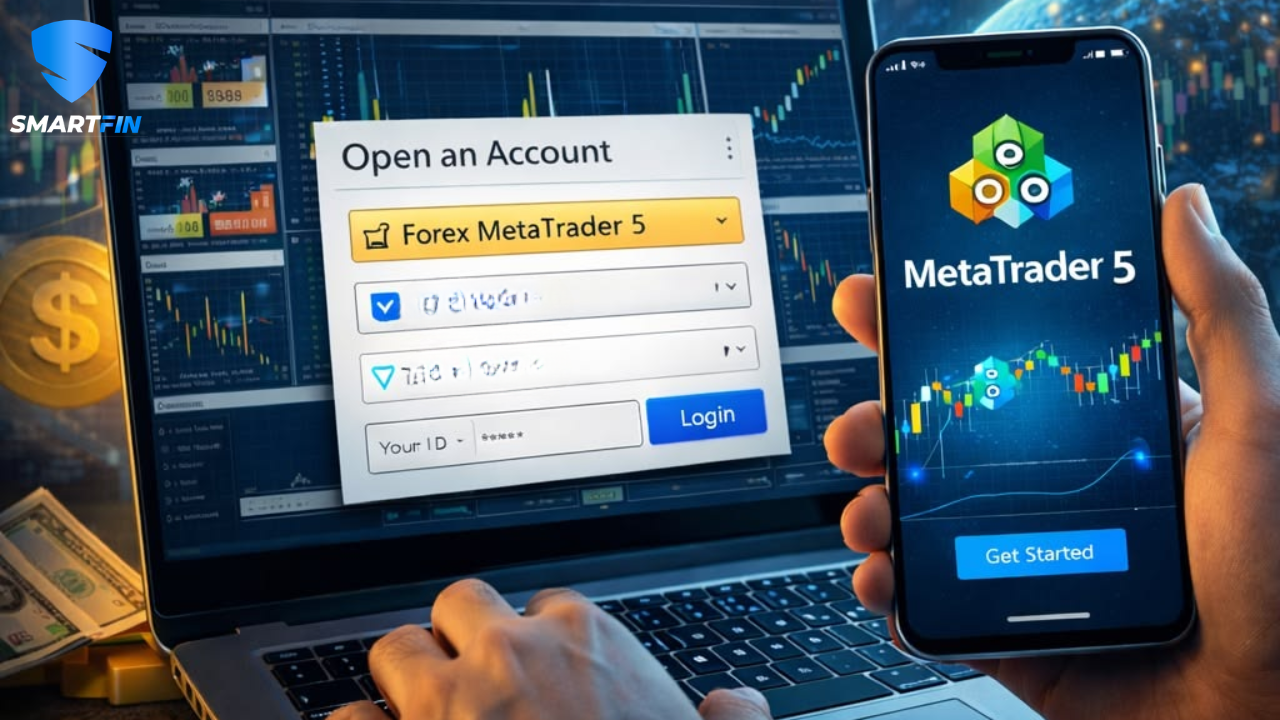
Access the supported desktop, web or mobile application, select the correct server and sign in using the account details provided.
6. Review the instrument specifications
Before placing a trade, check the instrument’s contract size, minimum volume, trading schedule, spread, swap terms, margin requirements, and other relevant specifications.
New users should first learn the platform controls and understand the consequences of leverage before committing real capital.
[Request MT5 Access]
[Speak With the SmartFIN Team]
Quick Answers About MT5 Brokers and Platform Access
- What is an MT5 broker?
An MT5 broker or provider gives eligible clients access to financial markets through the MetaTrader 5 platform. The platform supplies the trading interface, while the connected provider determines the available products, account conditions, pricing, margin requirements and execution arrangements.
- Is MetaTrader 5 itself a broker?
No. MetaTrader 5 is trading software developed by MetaQuotes. It does not independently open client trading accounts, set leverage, hold client funds or determine the prices and trading conditions offered through a particular account.
- How can I access MT5 in Dubai through SmartFIN?
Start by submitting the SmartFIN registration form and completing the required verification process. Eligible clients can then receive access through the provider identified in the account documentation. Availability depends on residency, product eligibility and the applicable terms.
- Can I use the same MT5 account on desktop and mobile?
An MT5 account can generally be accessed through supported desktop, web and mobile applications using the correct account number, password and server. Certain functionality and screen layouts may differ between versions.
- Which markets can I access on MT5?
The platform can support forex, metals, commodities, indices, stocks and other products. However, the exact markets visible in an account are determined by the connected provider. Check the Market Watch window and current instrument specifications for the available list.
- Does MT5 determine the leverage on my account?
No. MT5 displays the margin and account information supplied through the connected trading environment. Leverage and margin conditions are determined by the provider, account type, instrument and applicable regulatory requirements.
- Does MT5 guarantee my stop-loss price?
No. A standard stop-loss triggers an instruction when the relevant price reaches the selected level. If that price is unavailable because of rapid movement, reduced liquidity or a market gap, the position may close at a different executable price.
- Why does MT5 display “insufficient funds”?
This message normally means that the account does not have sufficient available margin for the requested order under the current conditions. Position size, existing positions, account equity, instrument price and margin requirements can all affect the result.
- Can I use automated trading on MT5?
MT5 supports Expert Advisors and strategy testing. Their use remains subject to the provider’s rules and the technical requirements of the strategy. Automated trading can experience losses, connectivity problems and execution differences, and it does not guarantee performance.
- Is MT5 appropriate for beginners?
MT5 can be used by beginners, but understanding the buttons is not the same as understanding trading risk. New users should learn how lot sizes, margin, spreads, stop-loss orders and leverage work before placing live trades.
- How do I choose an MT5 broker in Dubai?
Confirm the legal entity and applicable licence first. Then review the available instruments, typical spreads, commissions, swaps, leverage, margin and stop-out rules, execution policy, withdrawal arrangements and customer-support process. Platform familiarity alone should not determine the decision.
Access MT5 With Better Information
MetaTrader 5 brings market analysis, order management and account monitoring into one flexible trading environment. The quality of the overall experience, however, also depends on the provider connected to the account and the conditions that apply behind the platform.
SmartFIN assists eligible clients in Dubai and the wider UAE with understanding the registration process, accessing the available MT5 environment and obtaining general platform assistance.
Review the account documentation, confirm the responsible provider and understand the risks before funding an account or placing a leveraged trade.
[Request MT5 Access | Explore Trading Instruments | Contact SmartFIN
Dubai office: 207, Building No. 2, Bay Square, Business Bay, Dubai, UAE
Telephone: +971 4 578 0401
Email: support@smartfin.ae
Risk warning: Forex and CFDs are complex leveraged products and carry a high risk of rapid financial loss. You should consider whether you understand how these products work and whether you can afford the risk involved. Market orders, pending orders and stop-loss instructions may be executed at different prices during certain market conditions. Past performance does not indicate future results. This page provides general information and does not constitute investment advice or a recommendation to trade.